
Guide · TikTok, Reels, Shorts
TikTok Music Visualizer for Vertical Videos
TikTok, Instagram Reels and YouTube Shorts are watched on phones, held upright. A landscape video shows up as a thin strip in the middle of the screen; a vertical one fills it. DoReMiWave exports music visualizer videos in 9:16 portrait, so your song gets the whole screen.
Open the Studio — it’s freeStep by step
- Open the Studio and create a free account, then confirm your email address — exporting needs a confirmed address.
- Upload the part of the song you want to post (see below why). MP3, WAV, FLAC and M4A all work.
- Pick a style. Styles with a centre disc sit perfectly in the middle of a vertical frame.
- Add your artwork and a title. Put your cover or logo in the disc and the song name in a text element.
- Export in 9:16. In the export window choose portrait, then the resolution and frame rate. The video is rendered on our servers, usually in a few minutes. You can close the page: we email you when it is ready, and you download the MP4 from the email or from your account page.
- Post it on TikTok, Reels or Shorts. The MP4 already contains your song, so you don’t need to add the sound again in the app.
Short clips: upload only the part you want
DoReMiWave turns the whole audio file you upload into the video. For a 15- to 60-second clip, cut that part of the song first — in your DAW or in any free audio editor — and upload the short file. Most clips work best when they start right on the hook, the drop or the chorus, so viewers hear the best part in the first seconds.
The best settings for TikTok, Reels and Shorts
| Plan | Formats | Resolution | Frame rate |
|---|---|---|---|
| Do (free) | 16:9 landscape | 720p | 30 fps |
| Sol | 16:9 landscape, 9:16 portrait | up to 1080p (1080×1920 vertical) | 30 or 60 fps |
| Clef | 16:9 landscape, 9:16 portrait, 1:1 square | up to 1440p (1440×2560 vertical) | 24, 30 or 60 fps |
Vertical videos need Sol or Clef — the free plan exports landscape only. For TikTok, Reels and Shorts, 1080p vertical (1080×1920) is the standard size. The square 1:1 format on Clef is handy for feed posts on Instagram and Facebook.
Keep text away from the bottom and right edges of the frame: that is where the apps show the caption, the music label and the like and share buttons.
Styles to try
 Plasma Ring Sol A ring of living plasma around your artwork, with lightning on every beat.
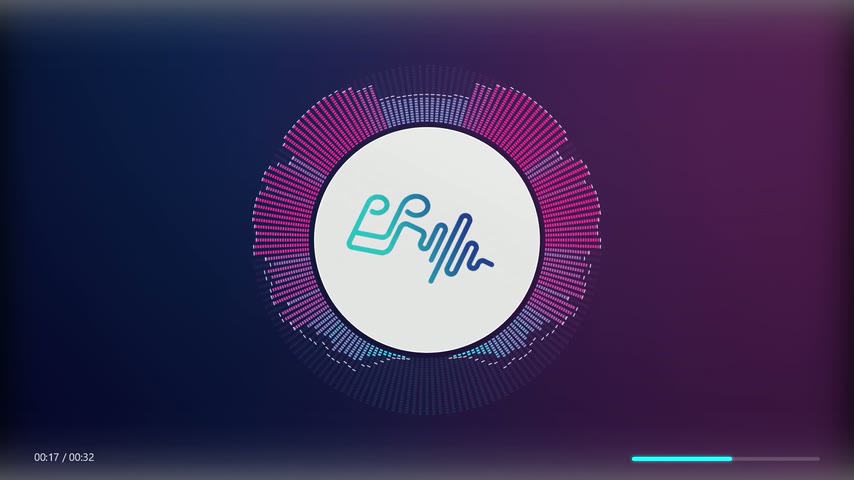 Digital Disco Sol LED-style segmented bars around your cover, lit like a club equalizer.
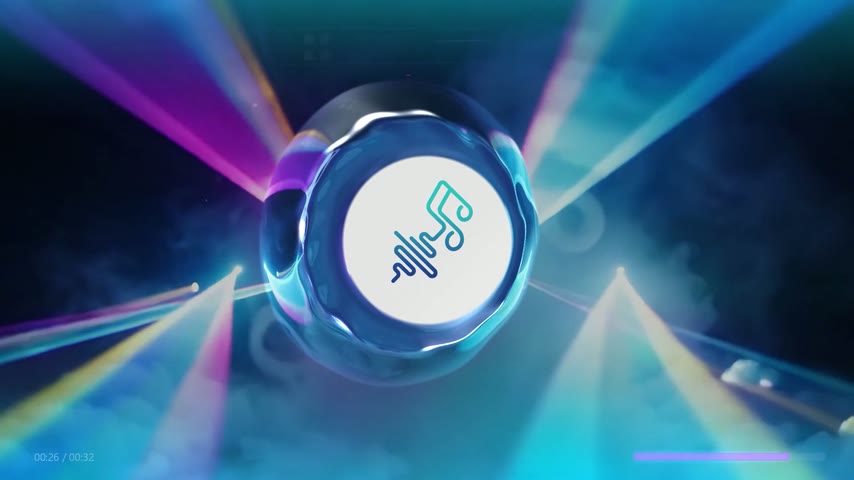 Water Ring Clef Our signature style: a ring of liquid that comes alive with your track.
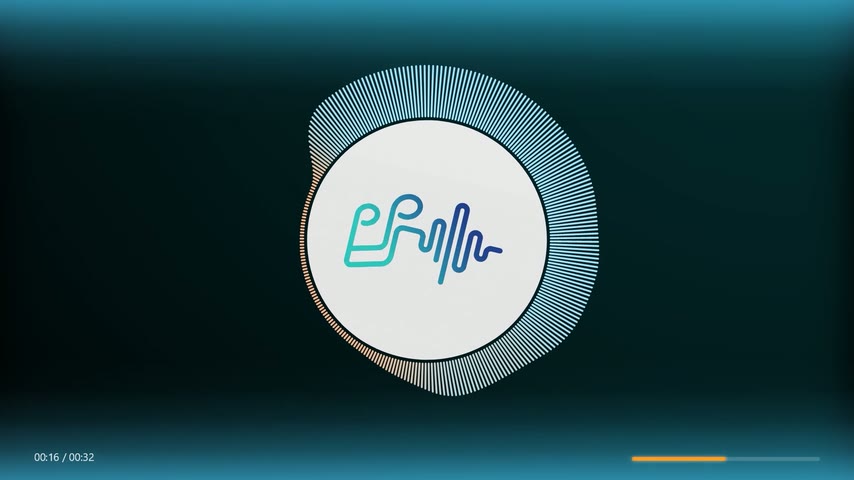 Fine Bars Sol Your cover art in a disc, surrounded by a dense ring of spectrum bars.
Questions
Can I make vertical videos on the free plan?
No. The free Do plan exports 16:9 landscape at 720p. Vertical 9:16 videos are included in Sol and Clef; see the plans.
Will the visuals stay in sync with the music?
Yes. Exported videos are synchronised frame by frame. If the browser preview ever looks slightly off, that comes from your device’s audio delay (common with Bluetooth headphones) and does not affect the export.
How long can the song be?
Up to 3 minutes on Do, 4 on Sol and 5 on Clef. For short clips, upload only the part you want to post.
Can I use a song I don’t own?
Only if you own the music or have permission to use it. Making a video with DoReMiWave does not give you any rights to the song. Platforms detect copyrighted music and may claim or block the video; if the music is yours or licensed, you can dispute the claim. See this answer.
Ready to make yours?
Upload your song, pick a style and export. The free plan needs no card.
Open the Studio