
Guide · AI music
Music Visualizer for Suno and Udio Songs
Made a song with Suno, Udio or another AI music tool and want to share it? A song needs a video to live on YouTube, TikTok or Instagram. Upload it to DoReMiWave and get visuals that react to the beat, the bass and the vocals — so it looks like a finished release, not a file with a picture.
Open the Studio — it’s freeStep by step
- Download your song from the AI music tool. MP3 works fine; if the tool offers a WAV download, it keeps more detail. Keep the cover image it made, too.
- Open the Studio and create a free account, then confirm your email address — exporting needs a confirmed address.
- Upload the song. Files can be up to 20 MB and 3 minutes on Do, 200 MB and 4 minutes on Sol, 500 MB and 5 minutes on Clef.
- Pick a style that fits the genre — see the suggestions below or all the styles.
- Add the artwork and title. The generated cover can sit in the centre disc, and on Sol and Clef one click matches the spectrum colours to it. Add the song name in a text element.
- Export in 16:9 for YouTube, or in 9:16 for TikTok, Reels and Shorts (Sol and Clef). The video is rendered on our servers, usually in a few minutes. You can close the page: we email you when it is ready, and you download the MP4 from the email or from your account page.
Why a visualizer instead of a still image
A still image with music feels unfinished. When the visuals react to the kick, the bass line and the vocals, people can see the song as well as hear it, and the video looks like a real release. Because every style follows the actual audio, two different songs never look the same, even with the same style.
Check the rights to your AI song
Whether you can publish and monetise an AI-generated song depends on the terms of the service you made it with, and often on your plan there — some services, for example, only allow commercial use of songs made on a paid plan. Check those terms before you upload.
DoReMiWave adds no restrictions of its own: the videos you export are yours on every plan, including the free one. Making a video does not change who owns the music, though. Some platforms also ask you to label AI-generated content when you upload; look for that option in their upload settings.
Styles to try
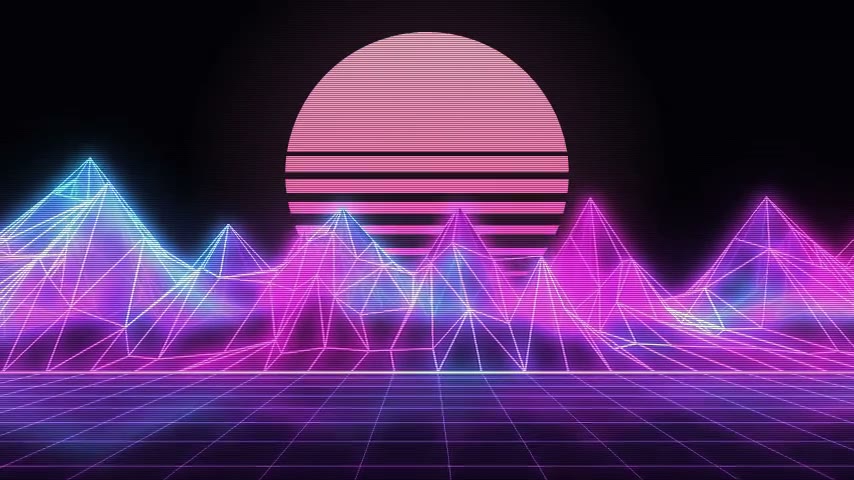 Synthwave Neon Clef A retro neon landscape with wireframe mountains that rise with your music.
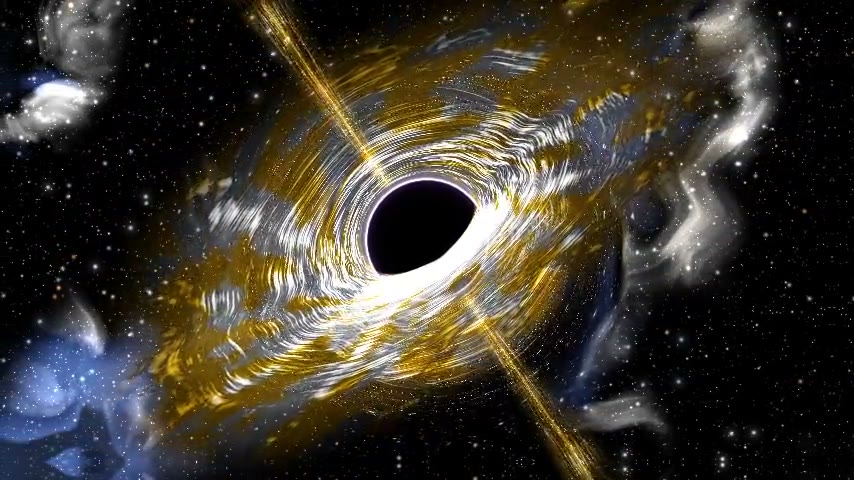 Event Horizon Clef A black hole with a glowing, swirling disc that bends the light around it.
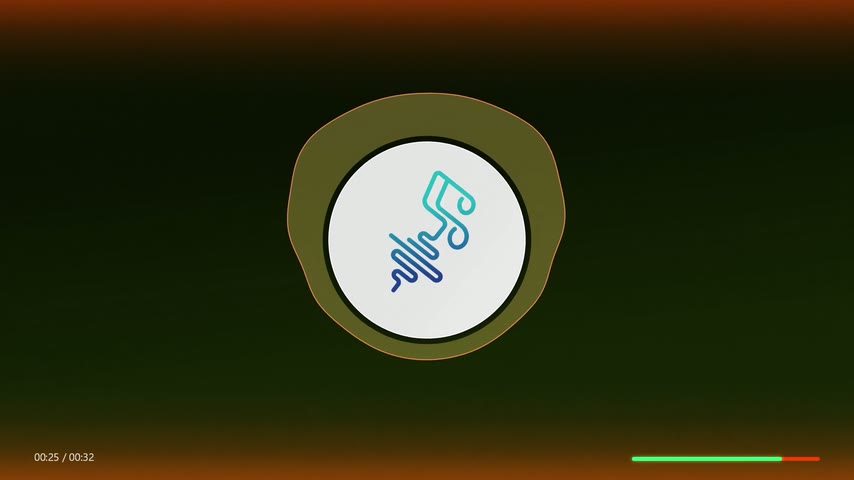 Wave Disc Cover Sol A smooth, filled waveform that hugs your cover and breathes with the music.
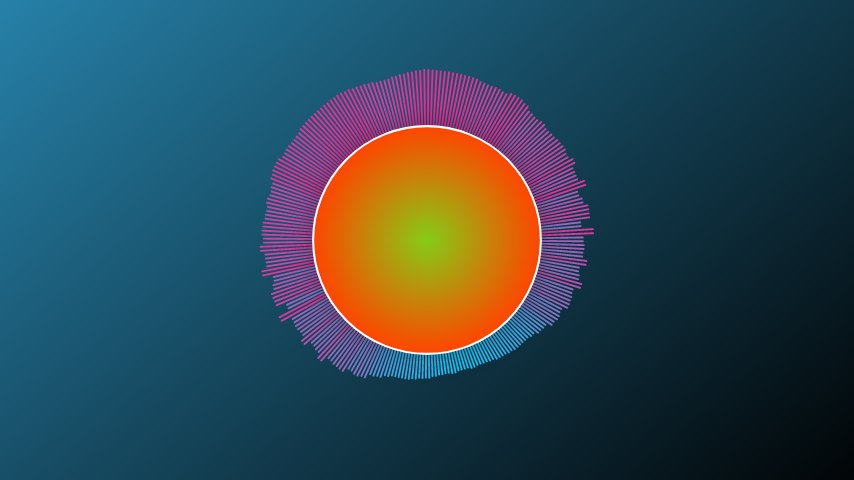 Bars Disc Do A dense circle of two-colour neon bars around a centre disc. Free.
Questions
Is it free?
Yes, to start. The free Do plan gives you 5 exports a month at 720p 30 fps in 16:9 landscape, with the styles Rainbow Circular, Bars Disc, Classic Bars. A small watermark is on by default and you can switch it off when you export, and your own background image works with Classic Bars. Sol and Clef add higher resolutions, vertical and square formats, more styles and your own background image on every style. See the plans.
Which file should I download from Suno or Udio?
MP3 is enough for great results. If WAV is available, it keeps more detail, as long as it fits the upload size of your plan.
Can I make vertical videos for TikTok?
Yes, on Sol and Clef. See the TikTok music visualizer guide.
Ready to make yours?
Upload your song, pick a style and export. The free plan needs no card.
Open the Studio